1–3 week setup
Typical automation timeframe
No new tools required
Works with what you have
Clear ROI focus
Only automate what saves time
I help small businesses save time by automating the repetitive stuff using AI and the tools you already have. No hype. No experiments. Just practical systems that run.

Example: inbound emails → auto-triage → ticket created → client notified → follow-up scheduled.
These are real things I build for businesses. Each one starts with understanding how you work today, then finding the spots where automation actually makes a difference.
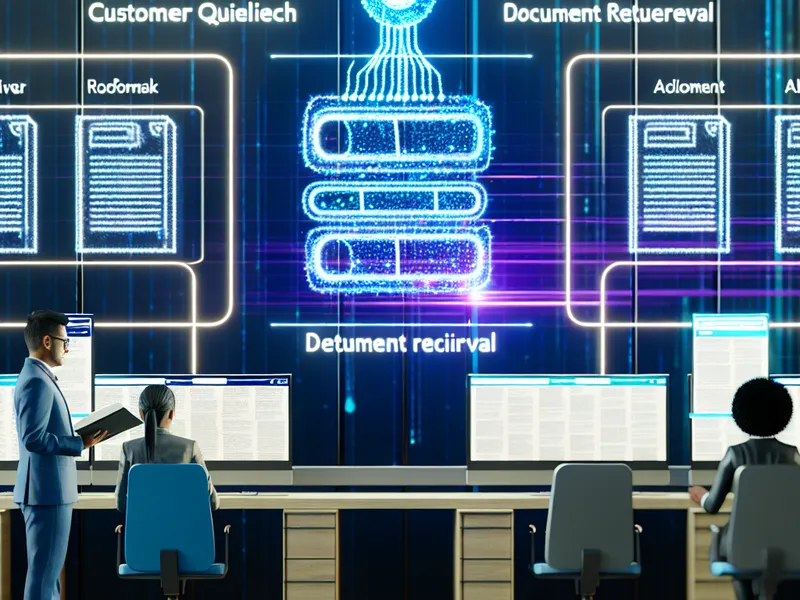
Set up AI-powered chat or document lookup so customers get answers without waiting on you. Good for FAQs, product info, and common questions.
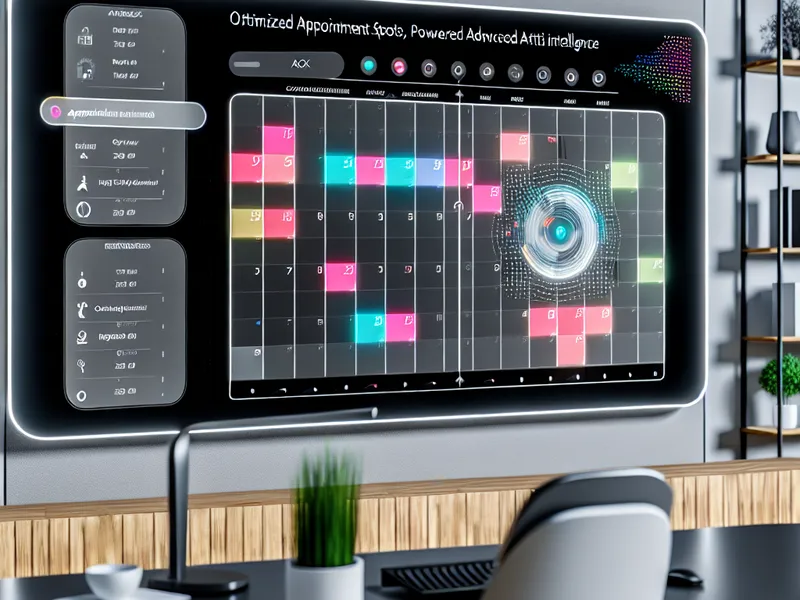
Automate booking, reminders, and follow-ups so you stop playing phone tag. Connects to the calendar tools you already use.

Automatically generate support tickets, work orders, or reports from customer messages, emails, or forms. Cuts the copy-paste work.

Track stock levels and get alerts before you run out. Works with spreadsheets, POS systems, or whatever you use now.

A custom AI assistant trained on your business — answers questions, drafts emails, summarizes meetings, or handles tasks specific to how you work.

Learn how to actually use tools like ChatGPT effectively for your business. Not a generic course — practical guidance for your specific workflow.
AI is genuinely useful for certain things — handling repetitive tasks, pulling information from documents, drafting routine messages, and connecting tools that don't talk to each other.
It's not magic. It won't replace your team. And not every business needs it right now.
If you're spending hours each week on tasks that follow a pattern — data entry, scheduling, answering the same questions, moving information between systems — that's where automation makes a real difference.
I'll tell you straight if something isn't worth automating. The goal is to save you time and money, not to sell you technology for its own sake.
Tell me what’s eating up your time and I’ll give you an honest answer about whether automation makes sense.